Performance Max (PMax) Guide: The Art of Scaling with AI in Google Ads
What is Performance Max (PMax), how do you optimize it, and how do you ensure budget efficiency? A comprehensive 2026 guide to PMax learning periods and strategies.
Mar 15, 2026
The world of digital advertising has shifted from "manual control" to "strategic steering." Performance Max (PMax), the biggest revolution in Google Ads in recent years, lies at the heart of this change. Where we once built separate campaigns for every channel (Search, Display, YouTube), we can now reach Google's entire inventory through a single campaign type.
However, PMax is not a "set it and forget it" system. On the contrary, it is a machine that works efficiently only if you feed the Google AI with the right signals; otherwise, it can lead to rapid budget depletion.
What is Performance Max (PMax)? How Does It Complement Search, and Where Does It Overlap?
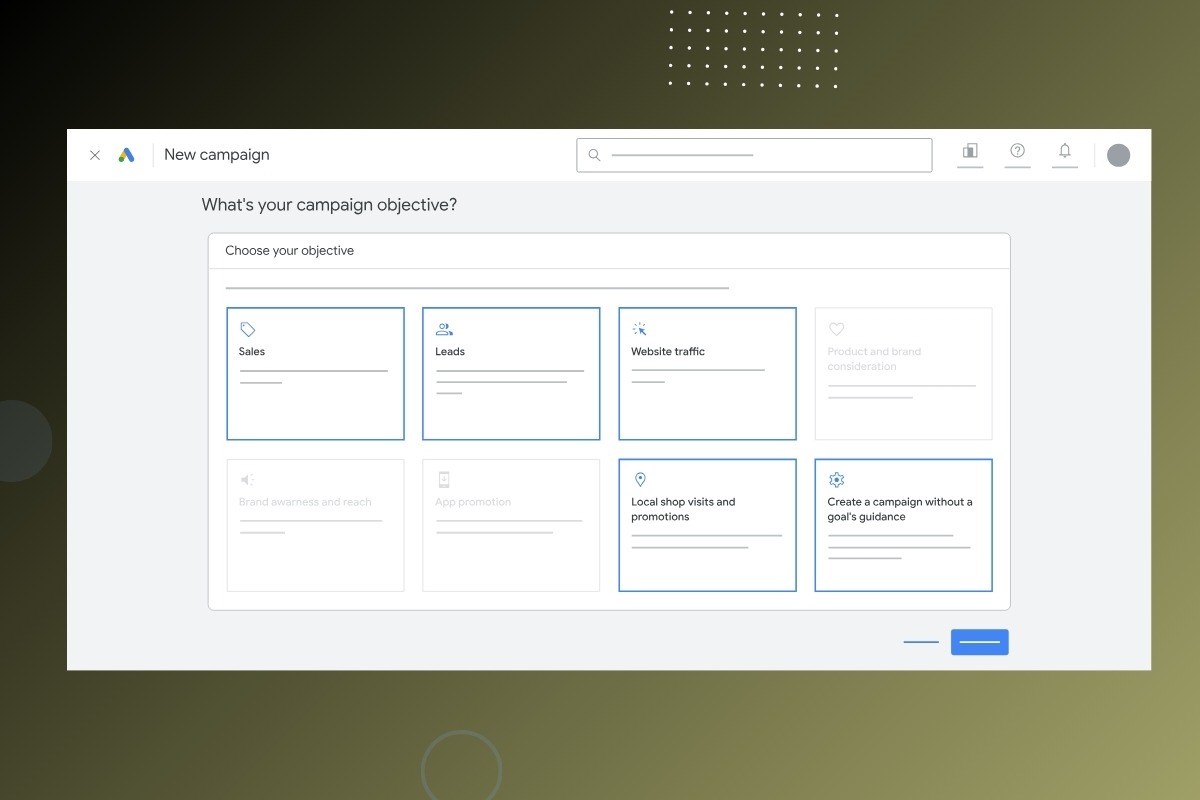
Performance Max (PMax) is a goal-based, automated campaign type that operates across Google’s entire advertising inventory (Search, YouTube, Display, Discover, Gmail, and Maps). The primary goal of PMax is to reach the conversion targets set by the advertiser (sales, lead generation, store visits, etc.) in the most efficient way possible.
Google aims to break down "cross-channel silos" with this campaign type. Its relationship with traditional Search campaigns is one of the most debated topics in the industry.
The Balance Between Search and PMax
PMax can overlap with your standard Search campaigns; however, Google has a clear rule: if a user performs a query that matches an "Exact Match" keyword in your Search campaign, the Search campaign takes priority. But if the query is broad or if PMax has a higher Ad Rank, PMax may take over.
In this context, PMax is designed to find "hidden" conversion opportunities that your Search campaigns might miss. As stated in Google’s official Performance Max support page, this campaign type should be structured as a complementary force to your existing strategies.
When Does PMax Work Best? (The Success Checklist)
It would be misleading to say "PMax is the best solution for every business." PMax requires specific data maturity and infrastructure to reveal its true potential. Rather than asking "What is Google Performance Max?", we should focus on "Is it the right tool for me?"
Here is your pre-setup checklist:
Clear Conversion Goals: You don't build PMax just for "clicks." You must have a clear goal, such as add-to-cart, purchase, or qualified leads.
Sufficient Conversion Volume: For machine learning to thrive, at least 15-30 conversions per month per campaign is ideal.
Strong Creative Assets: PMax is a visual and video beast. If you only have a logo and one landscape image, you won't get results from Display and YouTube.
Data Quality (Feed): For e-commerce, Merchant Center feed quality is the "fuel" of PMax.
Budget Flexibility: PMax needs budget to test and learn. It is recommended that your daily budget be at least 10 times your target CPA (Cost Per Acquisition).
👉 If you want a professional evaluation of your account strategy, check out our Brand Analysis service.
The PMax Learning Period: Why is Patience Critical?
Many advertisers make the mistake of turning off a PMax campaign after just 3 days because "it didn't get results." However, PMax has the most intensive learning process of any Google campaign type.
How many weeks does the PMax learning period last? Google recommends keeping a campaign stable for at least 6 weeks after launch or a major strategy change (e.g., a tROAS adjustment). During this time, the AI tests which audiences, creatives, and channels bring in conversions.
Every "stop-and-go" or budget change during this phase can reset the learning period. Being patient is the first rule of data-driven optimization. According to Google’s learning period guide, avoiding changes to campaign settings during this stage is golden.
When Does PMax "Burn" Your Budget? (5 Typical Red Flags)
Automation, when left unchecked, can turn into a budget grinder. If your PMax campaign isn't converting but spending is skyrocketing, you’re likely facing one of these "red flags":
1. Wrong or Weak Conversion Signals
If you’ve defined "Add to Cart" as a primary goal instead of "Purchase," PMax will bring you audiences that fill carts but never check out. Conversion signal quality accounts for 50% of PMax success.
2. Low-Quality Lead (Form) Ads
In B2B, PMax can sometimes bring in "spam" forms. This happens because the AI tries to get "form fills" cheaply while ignoring quality. To prevent this, enhanced conversions and "offline conversion imports" must be utilized.
3. Missing or Faulty Product Feed
E-commerce optimization starts in the Merchant Center. If GTIN codes are missing, titles aren't SEO-optimized, or images are below Google standards, PMax will show your ads to the wrong people.
4. Poor Asset Coverage
Google requires videos, square images, landscape images, and multiple headlines within each asset group. If you don't provide a video, Google will create automatic (and often unappealing) videos for you, damaging your brand image.
5. Uncontrolled Final URL Expansion
Should PMax Final URL expansion be turned off? This feature allows Google to use pages other than your designated landing page (blogs, about pages, etc.). If your site has many irrelevant pages, this can burn budget on non-converting traffic. Using URL exclusions is mandatory; if you can't manage them, turning the feature off might be safer.
PMax Setup Guardrails: Don't Leave Success to Chance
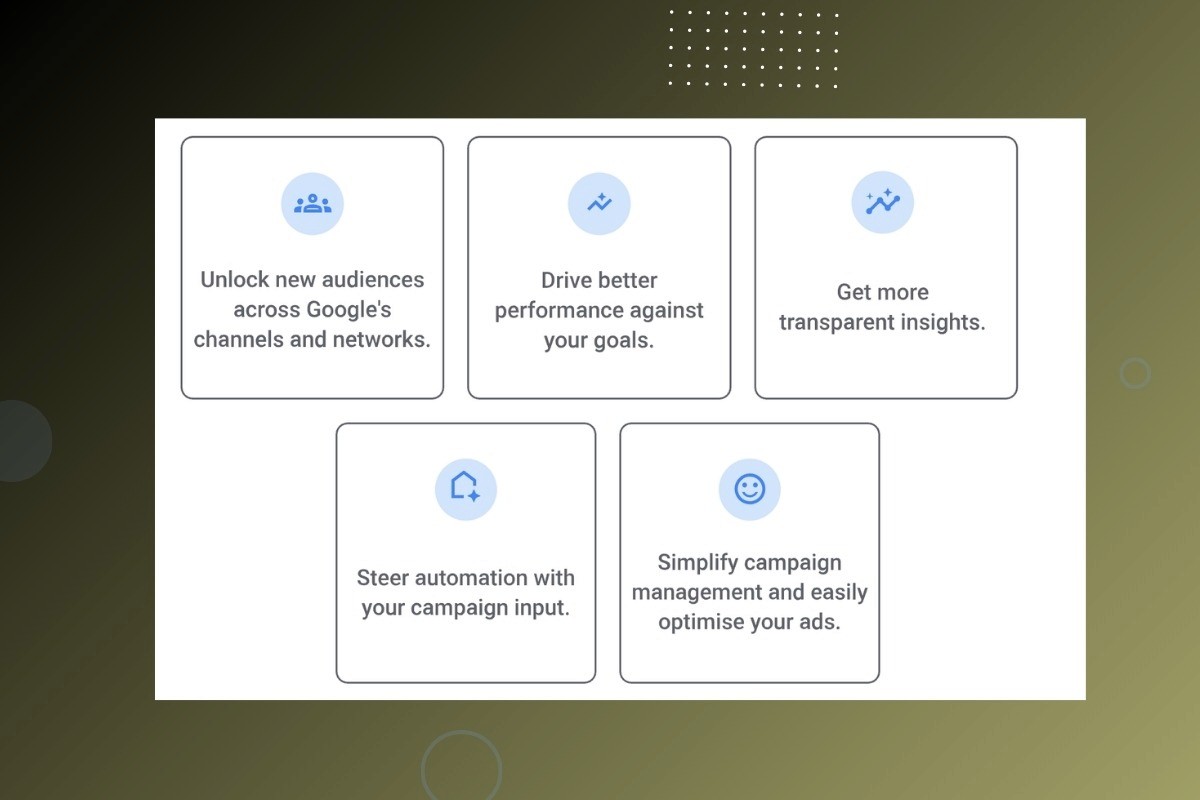
To guide PMax correctly, you need "guardrails." You shouldn't tell the AI "what to do," but rather "where to look."
Using Audience Signals
How to use PMax audience signals? Remember: signals are not "targeting"; they are "clues." You tell Google, "Look, my customers usually visit these websites or are on this list." The AI uses this as a starting point but will eventually expand beyond this audience to find new opportunities. Adding customer match lists here can speed up the learning process by 30%.
Asset Group Strategy
Each asset group should focus on a specific theme or product category. You should separate "Running Shoes" from "Classic Shoes" so that headlines and images match the user’s intent perfectly. Always aim for an Ad Strength of "Excellent."
Value-Based Bidding: tROAS and Maximize Conversion Value
PMax cares not just about how many sales you made, but the value of those sales. If every product has a different profit margin, use value-based bidding.
Maximize Conversion Value: Tries to get the most revenue using your entire budget.
Target ROAS (tROAS): Tries to achieve sales while maintaining your specified return on ad spend.
How to determine pMax tROAS? Entering a tROAS much higher than your account average can grind the campaign to a halt. Start with a realistic, data-driven tROAS and increase it gradually.
Diagnosis and Reporting: Opening the PMax "Black Box"
PMax is often criticized for its lack of transparency. However, recent updates have opened the "black box" a bit further.
Placement Report Audit
How to get a PMax placement report? To see which websites or YouTube channels your ads appeared on, go to the "Reports" tab and select the "Placements" report. If you see irrelevant or low-quality sites (like gaming apps), create account-level placement exclusion lists.
Channel Performance Report
You cannot see exactly how much spend went to Search vs. Video in the standard interface. To find this, use the new "Insights" tab or custom Google Ads scripts. Monitoring channel distribution helps you understand if your strategy is "Search-heavy" or "Display-heavy."
E-Commerce and PMax: Merchant Center Feed Optimization
If you are an e-commerce brand, your PMax campaign is effectively a "hidden" Shopping campaign. Most spend usually goes to the shopping tab. Therefore, PMax feed optimization should be done via Merchant Center:
Product Titles: Place the brand, model, color, and size at the very beginning of the title.
Product Attributes: Fill in fields like material, gender, and age group completely.
GTIN Data: GTIN (barcode) data is vital for Google to recognize the product. Missing GTINs lower your ad rank.
Disapprovals: Check Merchant Center daily for policy violations. A disapproved product means the ad stops.
Conclusion: The Scaling Journey with PMax
Performance Max (PMax) is a massive automation power that can take your business to the next level when used correctly. However, this power can destroy budget efficiency if left uncontrolled. A successful PMax strategy starts with conversion signal quality, is shaped by asset coverage, and is sustained by regular creative refreshes.
In the 2026 advertising world, if you want to make a difference, you must treat AI not just as a "worker," but as a "partner" and feed it with the best data possible.
Ready to evaluate your PMax strategy with an expert? Contact us and let’s take your digital advertising performance to the next level together.
Frequently Asked Questions (FAQ)
1. Does Performance Max burn budget? Yes, if conversion setups are faulty or audience signals are misconfigured, PMax can spend budget rapidly on irrelevant traffic.
2. When should a PMax campaign be optimized? It is recommended to make no changes for the first 2 weeks. From week 4, you can swap out underperforming assets. Strategic changes (budget or tROAS) should be made every 2-3 weeks.
3. Does enhanced conversions improve PMax performance? Absolutely. It provides Google with more first-party data, allowing the AI to better understand who is actually likely to buy.
4. How do I exclude my brand terms in PMax? You can use the "Brand Exclusions" feature in campaign settings to prevent PMax from bidding on your own brand keywords.
Tabii ki, bu önemli maddeyi de diğerleriyle uyumlu şekilde her iki dile çevirdim:
5. Why is "Ad Strength" within an asset group important? Ad Strength measures the diversity and quality of the creatives Google has at its disposal. Low ad strength results in your ads entering fewer auctions, which ultimately leads to higher costs and lower visibility.